


 1 of 2
Spyder Robotics
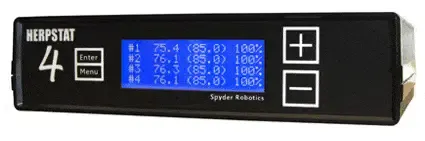
Herpstat 4 SpyderWeb – Wi-Fi Reptile Thermostat
From $694.99 was
Out of stock
Buy more, pay less
Each, for the whole order. Change the quantity below and the total follows.
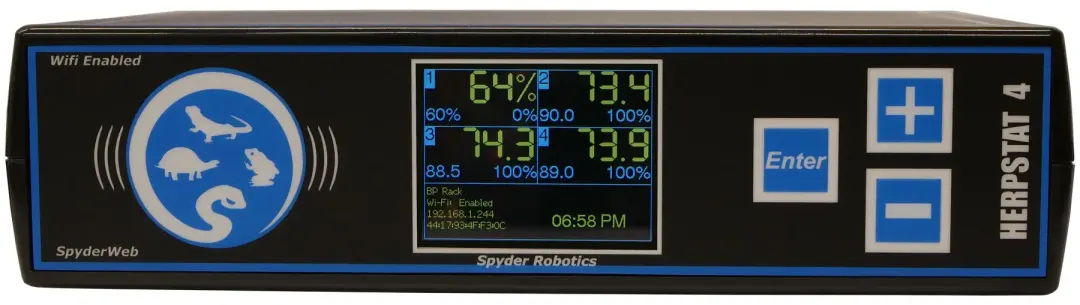
Four independent heat zones with Wi-Fi monitoring, for a reptile room or rack you want to keep an eye on from your phone. Each output has its own probe and schedule, and proportional heating keeps every cage steady.
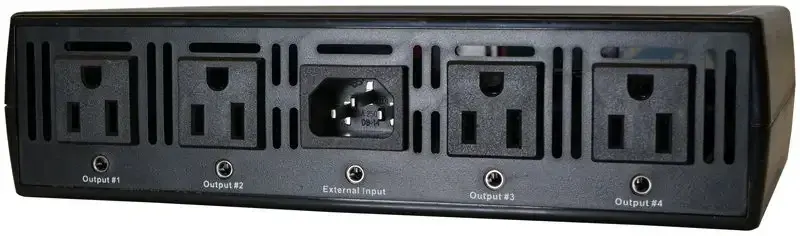
Four outputs, 400 W each
Dimming and pulse heating, up to four temperature periods a day
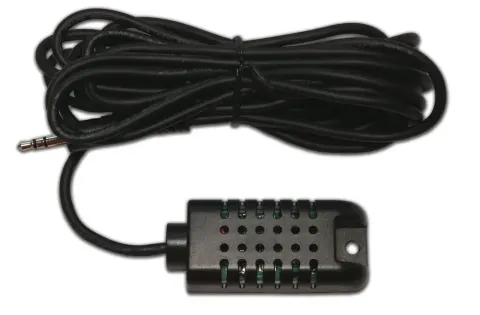
Humidity control on outputs 1 and 2
Browser monitoring, history graphs, and email alerts
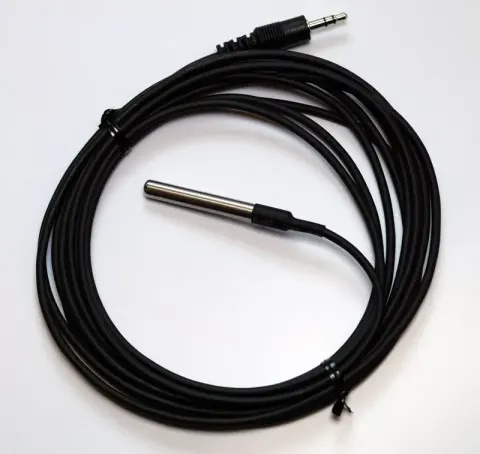
Four steel-tipped probes included
Part number H4S
Description
On this page
- 4 outputs
- 400 W per output
- 40 to 150 °F
- Wi-Fi
- 4 steel-tipped probes
- 1 year warranty
Why keepers choose it
Four controlled outlets in one unit, each on its own probe, so four cages can run at four temperatures, say 82 °F in one and 88 °F in another, from one controller. It turns the power down as each cage nears its target rather than switching heat fully on and off, which helps avoid large temperature swings.
Wi-Fi is built in, with no separate network module to buy. If you do not need it, the Herpstat 4 does the heating without it.
At a glance
- Outputs
- 4, each controlled on its own
- Load per output
- 400 W
- Total load
- 1,600 W
- Temperature range
- 40 to 150 °F (4 to 65 °C)
- Control modes
- Dimming, pulse, cooling, lighting, humidity
- Humidity control
- Outputs 1 and 2, with the optional probe
- Wi-Fi
- Yes, optional for heating
- Probes
- 4 steel-tipped temperature probes included
- Display
- Colour LCD, °F or °C
- Power
- 120 V AC
- Warranty
- 1 year limited, from Spyder Robotics
How it controls heat
Proportional dimming lowers the power as the cage nears its target.
Pulse mode controls heat through powered intervals. Which mode suits depends on the heater and the cage.
Soft startup brings a heater up gradually.
Auto Power Matching adjusts the response to your setup, so an insulated PVC cage and a ventilated glass one are each held on target.
Up to four temperature periods a day for each output, such as a cool night, a morning warm-up, a warm day, and an evening drop, with gradual ramping between them.
What each output can run
Outputs | Heating | Cooling | Lighting | Humidity |
|---|---|---|---|---|
1 and 2 | Yes | Yes | Yes | Yes |
3 and 4 | Yes | Yes | Yes | No |
Each output does one job at a time, so plan them before you start. Humidity on outputs 1 and 2 runs three ways: by readings from the optional humidity probe, on a schedule with no probe, or a hybrid that checks humidity during set times. Lighting can fade suitable dimmable lights up and down.
Not everything can be dimmed
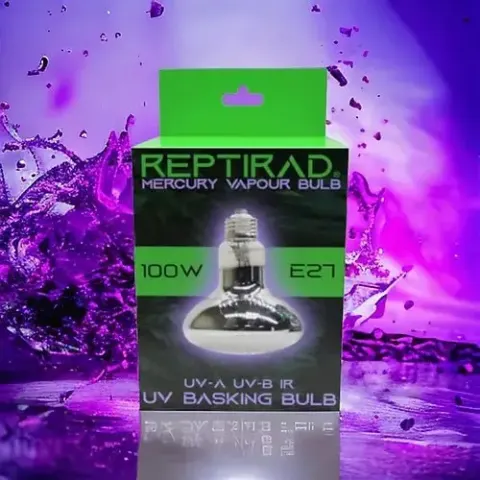
Fluorescent UVB fixtures, LED drivers, and mercury vapour lamps should be switched, not dimmed. Pulse mode can make a visible basking lamp flicker. Check what each device's maker allows before choosing a mode.
Wi-Fi monitoring
In your browser on your home network: current temperatures and what each output is doing.
Online status through the SpyderWeb service, to check readings away from home. This is view only; it does not change settings.
Email alerts when the controller detects a configured error.
Scheduled email reports on how the system is running.
History graphs, to spot a cage that cools off overnight before it becomes a problem.
Wi-Fi is optional
The thermostat keeps controlling heat if the network drops; only the monitoring and alerts stop. Setting up SpyderWeb takes some comfort with Wi-Fi and router settings, and alerts only help if you set them up and test them.
Settings are changed on the controller or through its local network page, not through the online service.
Safety features
High and low alarms, audible, at limits you set.
Probe failure detection shuts off the heat on that output if its probe fails or comes unplugged.
Safety relay that can cut power on selected faults, depending on your settings.
Power outage tracking, with settings kept in memory.
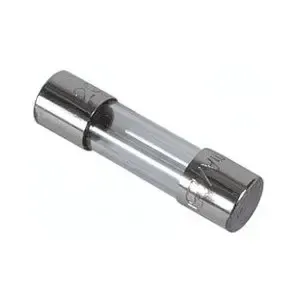
User-replaceable fuses. We stock spare output fuses.
Our advice
Fix each probe where your animal cannot move it, and check the cage with a separate thermometer now and then. Alarms and alerts help, but nothing replaces a look.
Setting it up
Decide what each output will control, and label the outlets and probes.
Put the Herpstat somewhere dry outside the cages, away from mist, water, and heat.
Plug in each probe and fix it at its control point where your animal cannot move it.
Plug in each heater, keeping each output at or under 400 W.
Choose each output's mode, set its temperatures, and add daily periods if you want them.
Connect to Wi-Fi following the Spyder Robotics instructions and check the browser page works.
Set the alarms, and email alerts if you plan to use them.
Check every zone with a separate thermometer and let the system run several cycles before relying on it.
Our ReptiRad heat panels at 40, 80, 125, and 220 W are all well under the per-output limit.
Useful with it
-
 Sale
 Sale
Questions
Which outputs do humidity?
Outputs 1 and 2. On the standard Herpstat 4 it is outputs 3 and 4.
Does it need Wi-Fi to control heat?
No. Heating carries on without a network; monitoring and alerts need one.
What comes in the box?
The controller, a power cord, four steel-tipped temperature probes, and the maker's documentation.
Need more outputs?
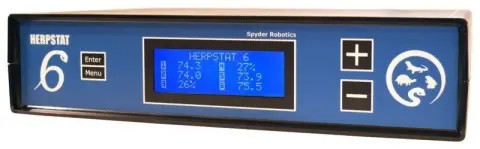
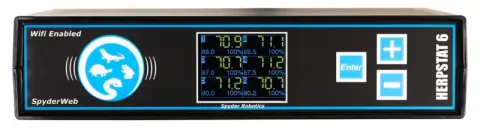
The Herpstat 6 SpyderWeb runs six.
| Part number | H4S |
|---|---|
| Brand | Spyder Robotics |
| Shipping weight | 6 lb |
| Shipping box | 10 x 10 x 4 in |
Box size and weight are the packed carton, for shipping only, not the size of the item itself.
Shipping
Parcels across Canada and the US are priced at checkout from the packed boxes. Pallets and freight we price by hand, usually within one business day, and you pay nothing until you have seen the total. Pickup in Calgary is free.
Returns
14 day returns on eligible unused stock items, return shipping paid by the customer. Built-to-order goods are covered by the construction warranty rather than by returns. Restocking Fees Apply for returns
Warranty
One year warranty on the construction of anything we build.
Questions
Ask about it
Anything this page does not answer. We will get back to you as soon as we can, and good answers go up here for the next person.
More in Thermostats and monitoring
 Sale
 Sale
-
Sale
-
-
-