

Sale
Built in Calgary since 2000 Shipping across Canada and the USA Free local pickup
 1 of 5
Exo Terra
From $18.95 was
Only 2 left in stock
Buy more, pay less
Each, for the whole order. Change the quantity below and the total follows.
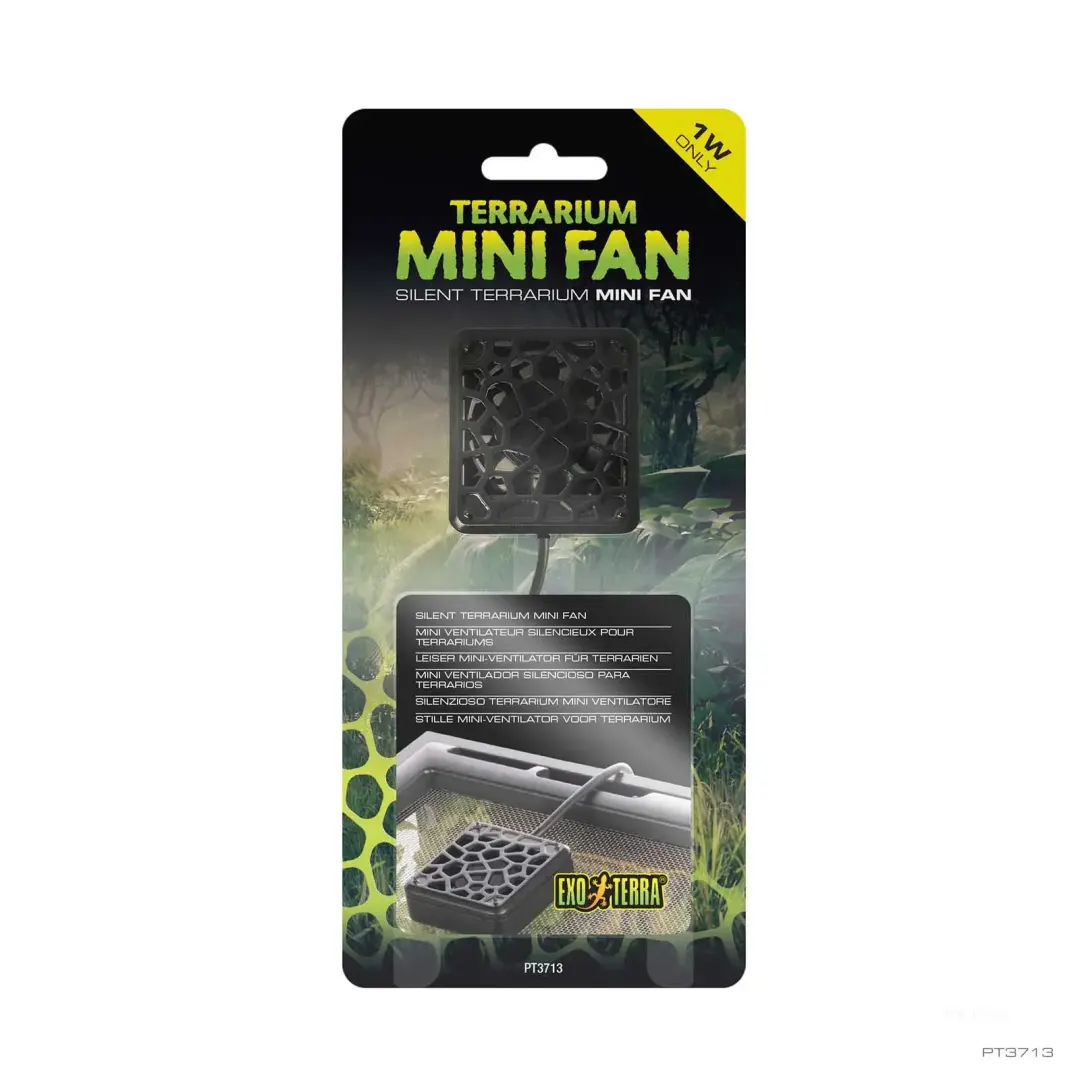
A small, near-silent fan that sits on a screen top and keeps air moving, so humid terrariums clear their fog and condensation instead of staying stale and damp.
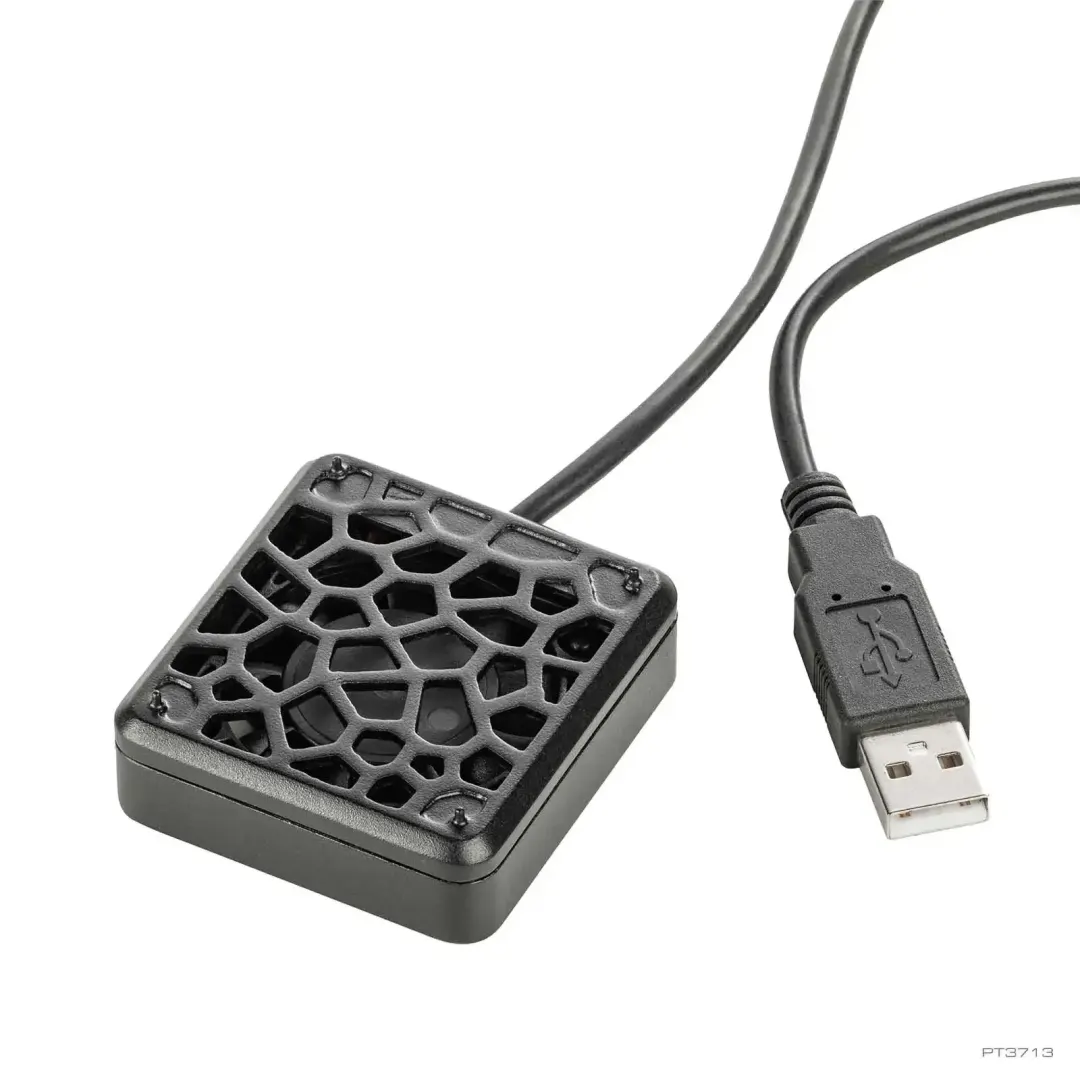
1 W, low voltage, USB powered
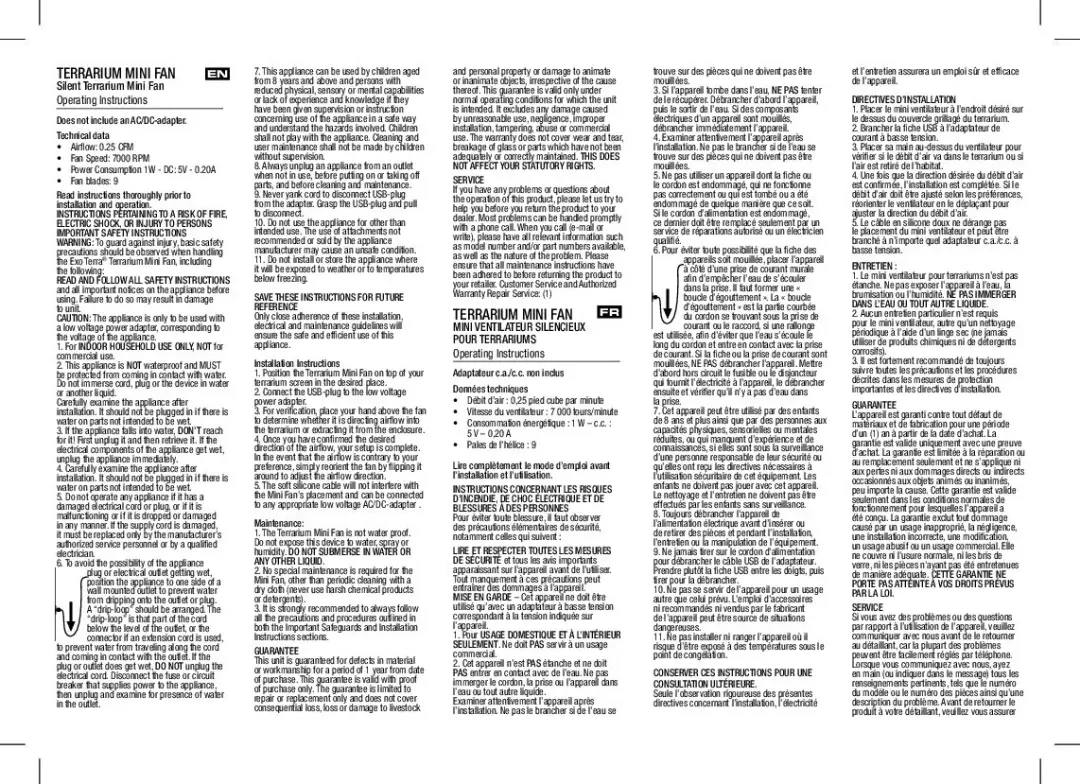
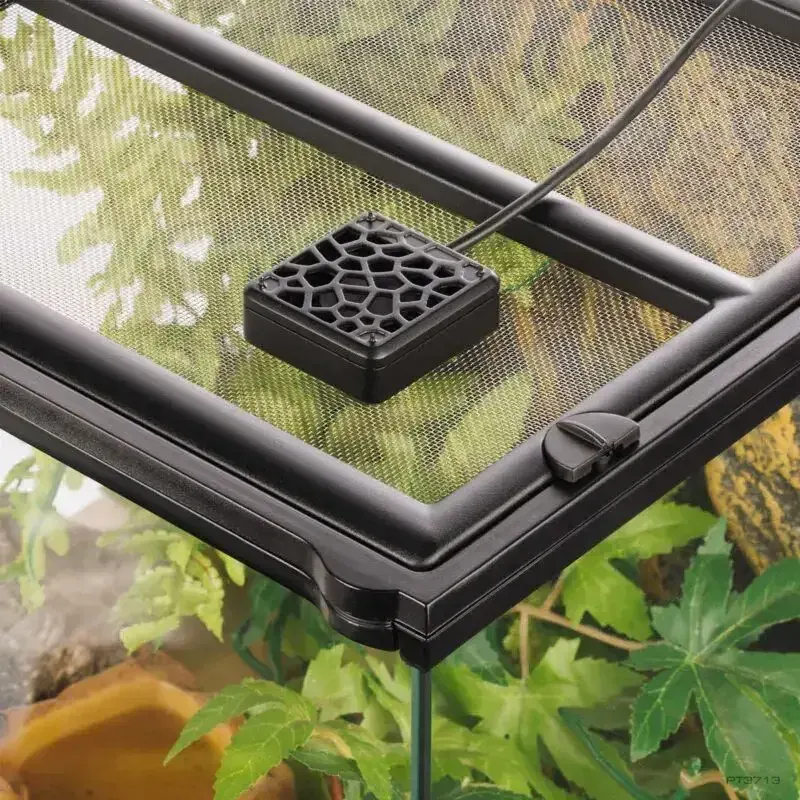
Pins onto a screen top
Blows air in or draws it out
Runs all the time or on a timer
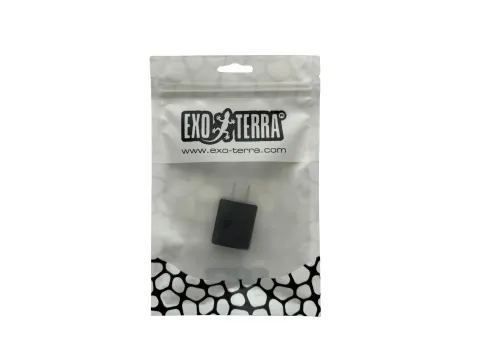
USB wall adapter sold separately
Part number PT-3713
Still air in a misted terrarium holds moisture and heat. That fogs the glass, encourages mould, and can build up heat under a strong basking lamp. The Exo Terra Terrarium Mini Fan moves just enough air to clear it, quietly enough that your animals carry on as normal.
At a glance
Clearer glass: fan it across the front of the screen to cut window condensation.
Healthier plants: set it at the back to move air through the planting.
Day and night humidity: on a timer, it can dry out the morning fog after a misting and leave the night humid.
Less heat buildup, which helps under stronger heat sources.
Choose where on the screen you want the airflow.
Press the four pins through the screen to hold the fan in place.
Face it one way to blow air in, or flip it to draw air out.
Plug the USB cable into a USB wall adapter, directly or through a timer.
Watch humidity and temperature for a few days, and move or reschedule the fan until conditions hold steady.
| Part number | PT-3713 |
|---|---|
| Brand | Exo Terra |
| Shipping weight | 0.5 lb |
| Shipping box | 8 x 6 x 3 in |
Box size and weight are the packed carton, for shipping only, not the size of the item itself.
Shipping
Parcels across Canada and the US are priced at checkout from the packed boxes. Pallets and freight we price by hand, usually within one business day, and you pay nothing until you have seen the total. Pickup in Calgary is free.
Returns
14 day returns on eligible unused stock items, return shipping paid by the customer. Built-to-order goods are covered by the construction warranty rather than by returns. Restocking Fees Apply for returns
Warranty
One year warranty on the construction of anything we build.
Questions
Anything this page does not answer. We will get back to you as soon as we can, and good answers go up here for the next person.
Exo Terra
$209.95 was $259.99
In stock
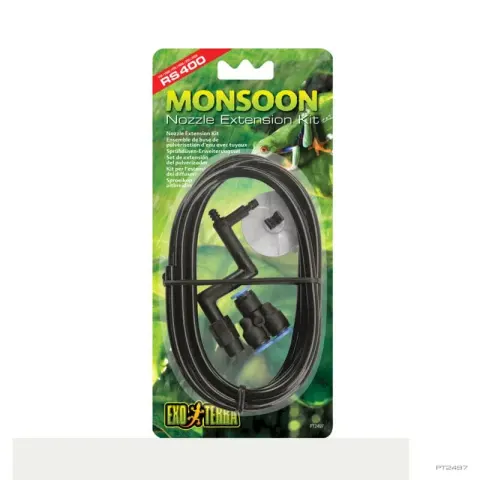
Exo Terra
$19.95 was $21.49
In stock
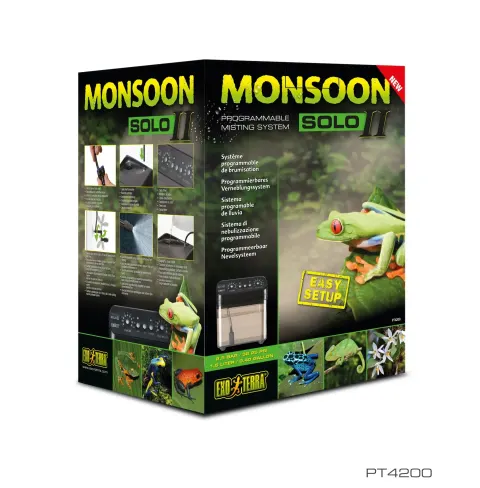
Exo Terra
$5.95 was $7.49
Only 2 left